Download Delta Executor for Android & PC
Want to use scripts in Roblox but don’t know how Delta Executor works?
Delta Executor (also called Delta X) is a simple tool that lets you run extra commands, called scripts, inside Roblox games. It helps you do things like auto-farming, speed boosts, or fun extras without needing to be a pro coder.
This guide is made for beginners and regular gamers who just want to have more fun in Roblox. It’s written in super simple words, updated for 2026, and focuses on safe steps so you can get started without stress.
What Is Delta Executor
Imagine you’re playing Roblox and you want your character to do something automatically, like collecting items fast or moving quicker. Delta Executor is like a helper tool that runs special “scripts” (little code instructions) to make that happen in your games.
It’s also known as Delta X.
The best part? It works on mobile (Android & iOS) and PC (with or without an emulator). No complicated tech talk — just open, paste, and play.
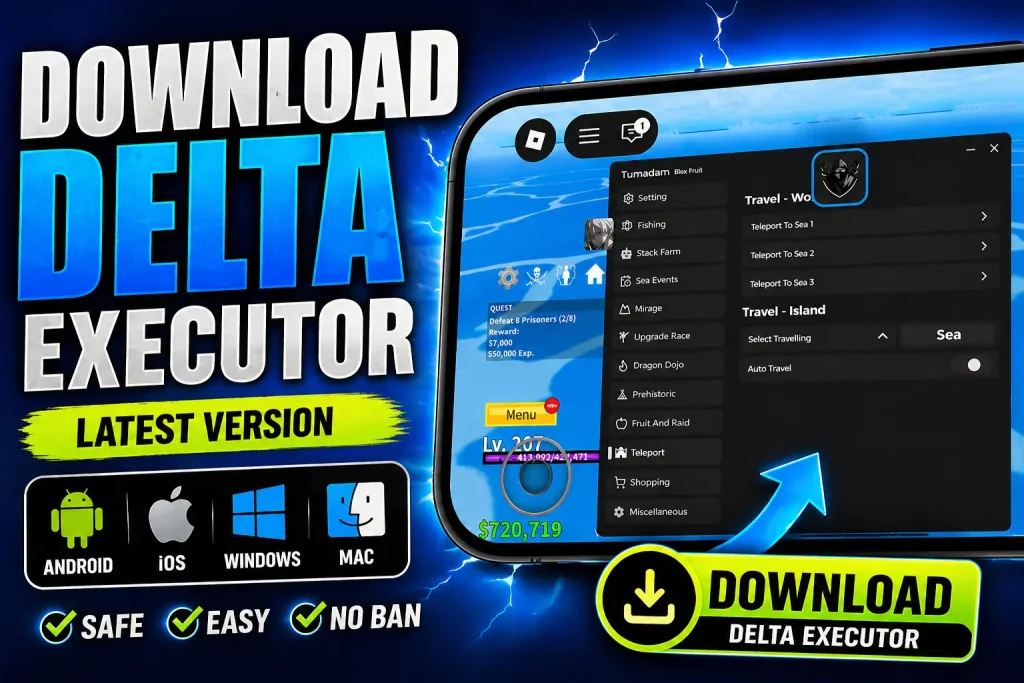
Is Delta Executor Safe or Risky
Yes, if you download it from the trusted site like https://fluxusofficial.com/ , as there are many sites on the internet that provide fake version that can ban your account.
This guide focuses on safe practices to protect your device and account. Always use antivirus, enable unknown sources carefully on Android, and never share personal info.
How to Download Delta Executor (Step-by-Step)

Stay Ahead With Latest Updates!
- New Files & Updates
- Important Announcements
- Exclusive Content
For Android
- Open your browser (Chrome works great).
- Go to a trusted site like delta-executor.com (or the current main official link for 2026).
- Scroll and tap the Download button for the latest APK (version around v2.717 as of April 2026).
- Wait for the file to download.
- Go to your Downloads folder and tap the APK file.
- If asked, allow installation from unknown sources in Settings > Security.
- Install and open the app.
For iOS (iPhone/iPad)
iOS is stricter, so there are two main ways:
- Direct Install method (easiest, no PC needed): Visit a trusted Delta site, choose iOS, and follow the on-screen “install” prompts. It often uses a profile or direct link.
- Sideload method: Download the IPA file and use a tool like AltStore or similar (requires a computer for first setup). This is more advanced but stable.
For PC (Windows & Mac)
- Easy method with emulator: Install BlueStacks, LDPlayer, or another Android emulator. Then download and run the Android APK inside the emulator.
- Without emulator (if available): Some versions offer direct PC support — check the official site for Windows/Mac downloads.
How to Install Delta Executor
Installation is straightforward:
- On Android: Allow “unknown apps” once, then tap Install.
- Open the app after installation.
- Grant any permissions it asks (like storage for scripts).
That’s it! The app should launch with a clean interface ready for Roblox.
How to Use Delta Executor
- Open the Delta Executor app.
- Launch your favorite Roblox game.
- Find or copy a script (from trusted places like script libraries or Pastebin).
- Paste the script into the box in Delta.
- Click Execute.
What Is Delta Key & How to Get It
The Delta Key is like a password that unlocks full features. Most versions require it.
Simple steps to get it:
- Open Delta Executor and launch a Roblox game.
- When it asks for the key, tap Get Key or Receive Key.
- It opens a link in your browser.
- Complete the short tasks (usually watch a short video or simple steps on sites like Work.ink or Linkvertise — takes a few minutes).
- Copy the key and paste it back into Delta.
Tip: It usually takes 2–5 minutes. Do it patiently, and avoid suspicious task sites.
Delta Executor Features (Better Than Many Others)
- Easy to Use — Clean buttons and simple paste-and-execute design.
- Built-in Script Library — Lots of ready scripts included.
- Regular Updates — Frequent fixes for 2026 Roblox changes.
- Works on All Devices — Android, iOS, and PC via emulator.
- Fast & Lightweight — Runs smoothly with low lag.
What’s New in Latest Version
The New version (around v2.717) brings:
- Faster performance and quicker script execution.
- Improved iOS support with fewer setup issues.
- Reduced crashes and better stability.
- Enhanced compatibility with new Roblox updates.
System Requirements
| Device | Basic Requirements |
|---|---|
| Android | Android 7.0 or higher, 2GB+ RAM |
| iOS | iOS 13 or later, decent storage |
| PC | Windows 10/11 or Mac, Android emulator recommended, 4GB+ RAM |
Keep it basic — most modern devices work fine.
Best Scripts You Can Use with Delta
For Windows PC users, direct native desktop exploits like Solara Executor and Wave Executor are excellent alternatives to emulators. If you prefer another mobile exploit, check out Fluxus Executor.
- Auto farm — Collects items or money automatically.
- Auto click — Handles repetitive tapping.
- Speed boost — Makes your character move faster.
- Teleport — Jump to different places quickly.
Search for “Delta scripts 2026” for updated ones, but always test in safe games first.
| Pros | Cons |
|---|---|
| Free to download and use basic features. | Requires a key (short task to get it). |
| Very easy for beginners. | Risk of account ban if Roblox detects heavy use. |
| Works across mobile and PC devices. | Must download from the right source to avoid fakes. |
Common Problems & Fixes
- App not installing: Enable unknown sources and clear cache.
- Key not working: Try again after completing tasks fully, or check for updates.
- Crashing in game: Update Delta, restart device, or use a lighter script.
- Not detecting Roblox: Make sure Roblox is running and try reinstalling.
FAQs about Delta
Final Verdict
Delta Executor (Delta X) is a popular choice for Roblox players who want simple script running in 2026. It’s beginner-friendly, works on most devices, and gets regular updates. If you’re careful with downloads and understand the risks (like possible account bans), it can make your games more fun.
Start slow, use trusted sources, and enjoy responsibly!
Remember: Always prioritize safety and follow Roblox rules. Have fun gaming!